When those rules live in someone’s head, the business runs through that person. I build custom business software that holds them: a custom CRM, quoting, scheduling, and invoicing in one system, connected to QuickBooks and the tools you keep. For businesses in Toronto and across the GTA. You own the code and the data.
Your rules, in the software
Every business has rules that never made it into its software, so people carry them instead.
If the software can’t hold your rules, a person has to.
A custom system writes each rule down once and checks it every time.
| The rule | Kept today by | In the system |
|---|---|---|
| Which client gets which rep | Whoever remembers | New work from that client goes straight to their rep. |
| Which job needs which two people | The person who builds the schedule | A job missing either of them is flagged before it’s booked. |
| Which order waits for another | A note in the spreadsheet | The second order holds until the first one ships, and says why. |
| What the drive adds to a price | Someone with a map, on every quote | The quote adds the travel from the address. |
| Who can approve a discount | The owner, by text | A discount past your limit waits for your OK. |
A rule flags the problem. A person still decides.
One system instead of five tools
The usual setup is a CRM or job tool that half fits, a spreadsheet for the schedule, QuickBooks for the money, and a group text for the team. Every customer lives in four places, and someone keeps them in step by hand.
A custom system keeps one record of each customer, quote, job, and invoice, and shows each person the part they need.
- Custom CRM Every customer, contact, and conversation, with the whole history in one place.
- Custom quoting Quotes built from your prices and your rules, ready for someone to check and send.
- Custom scheduling Who’s doing what, when, and with what, checked against your rules.
- A phone app for your team The day’s work and the details, on the phone they already carry.
- Invoicing through QuickBooks Invoices go out when the work is done, and payments come back.
When off-the-shelf is the better buy
If a tool like HubSpot, Jobber, or ServiceTitan fits how you work, buy it. It costs less to start, and someone else keeps it running.
| Buy off the shelf when | Build when |
|---|---|
| Your work fits the way the tool works. | Your people keep a spreadsheet beside the tool for what it can’t do. |
| One tool covers most of the business. | You pay for four tools and copy between them. |
| Your rules are the same as everyone’s. | Your rules are part of why clients pick you. |
Field service tools like Jobber, ServiceTitan, and Housecall Pro are built around a visit: one job, one address, one crew. They’re good at it. They start to strain when a job needs specific people, equipment booked somewhere else, or a schedule that depends on another job. Sometimes the answer is both: keep the tool that works and build the part it can’t do. The blueprint tells you which.
What it costs
Every systems project starts with the blueprint: $5,000 and about two weeks, credited in full toward the build if you start within 60 days. A build is priced one phase at a time, and most come to $15,000 to $60,000. You own the code, the data, and the documentation.
| Where it sits | Example |
|---|---|
| Toward the low end | A custom CRM on its own, with your rules for who gets which client |
| The middle of the range | A CRM with quoting and scheduling, checked against your rules |
| Toward the top | CRM, quoting, scheduling, invoicing through QuickBooks, and a phone app for your team |
Prices in Canadian dollars.
What moves a build up or down that range: what custom software costs.
Questions owners ask
Can we override it?
Yes. A rule flags the problem before anyone confirms the work, and the person in charge decides whether to go ahead.
Can we bring our records across?
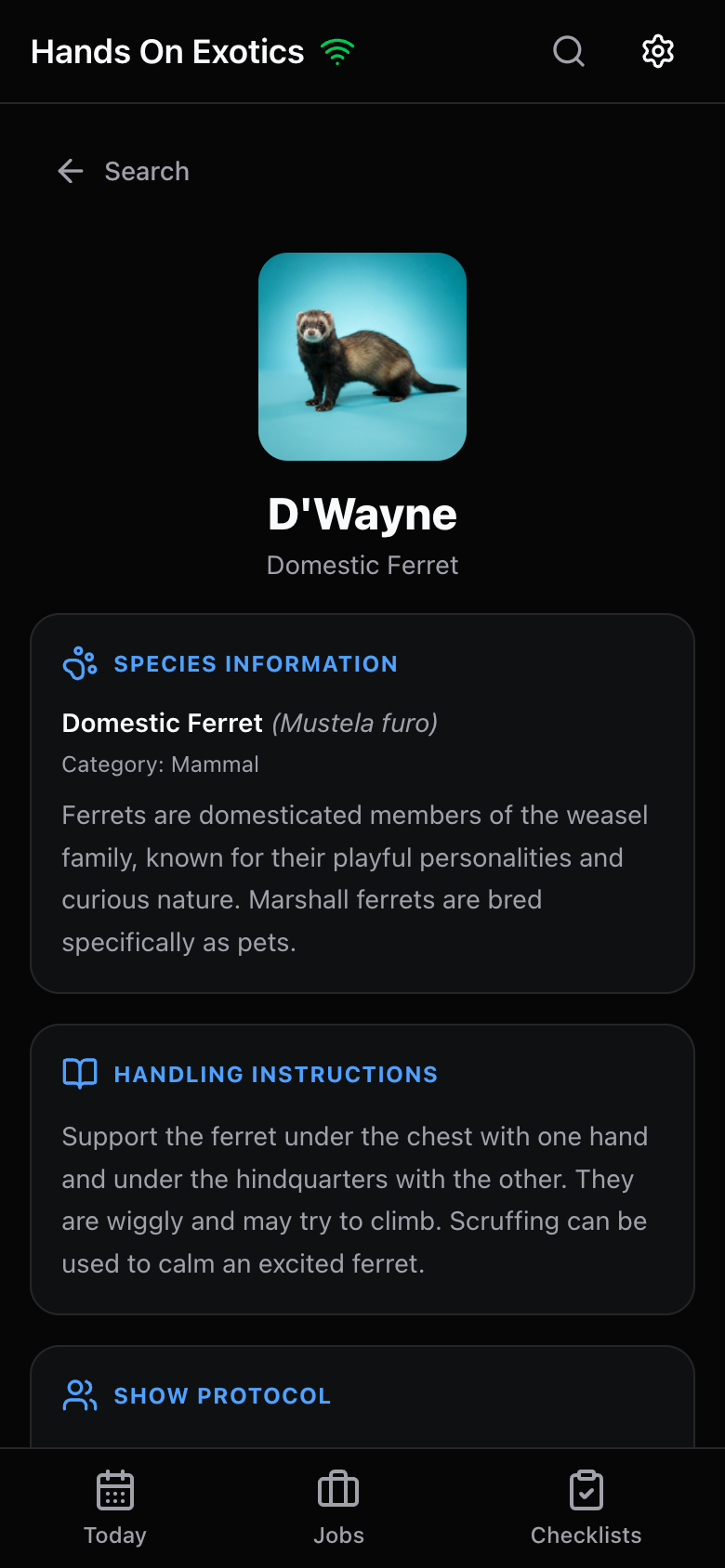
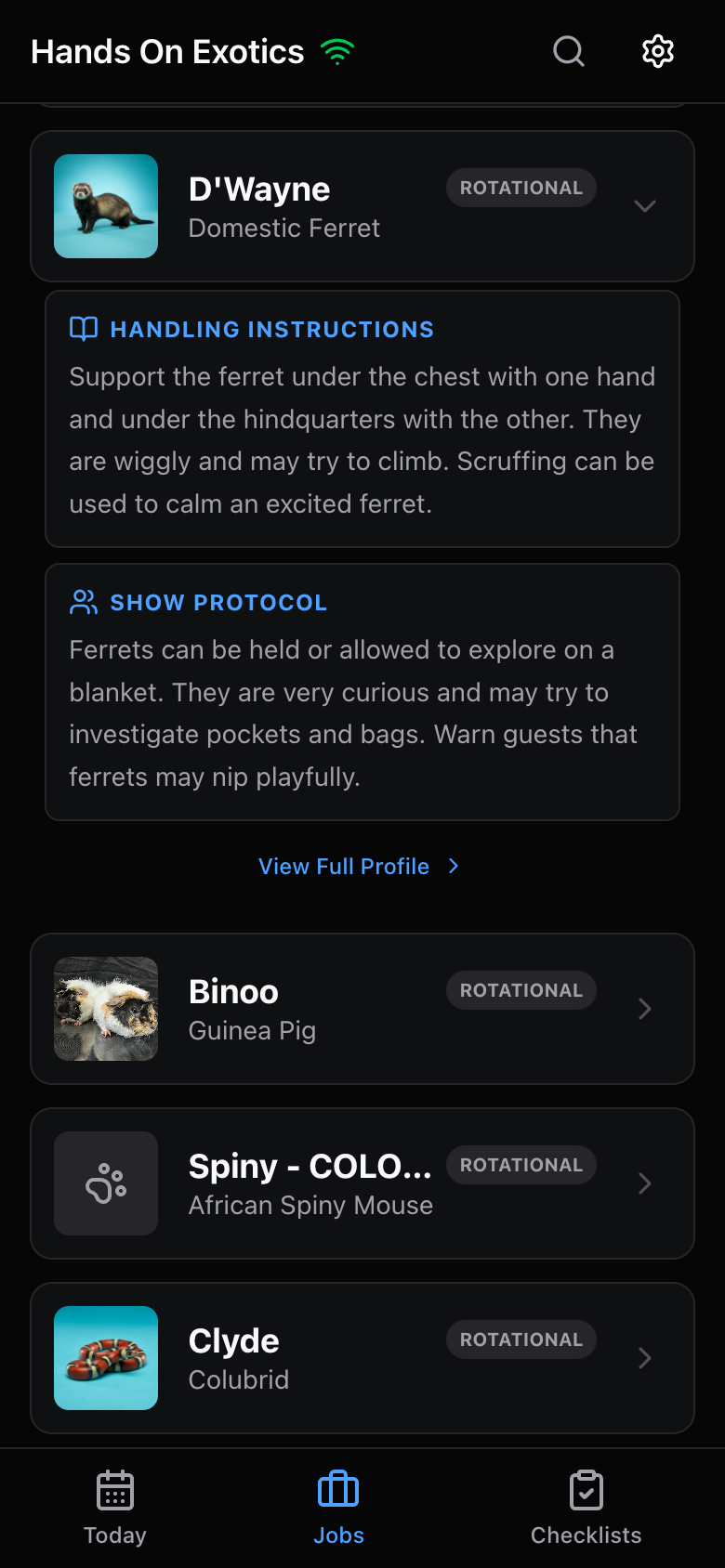
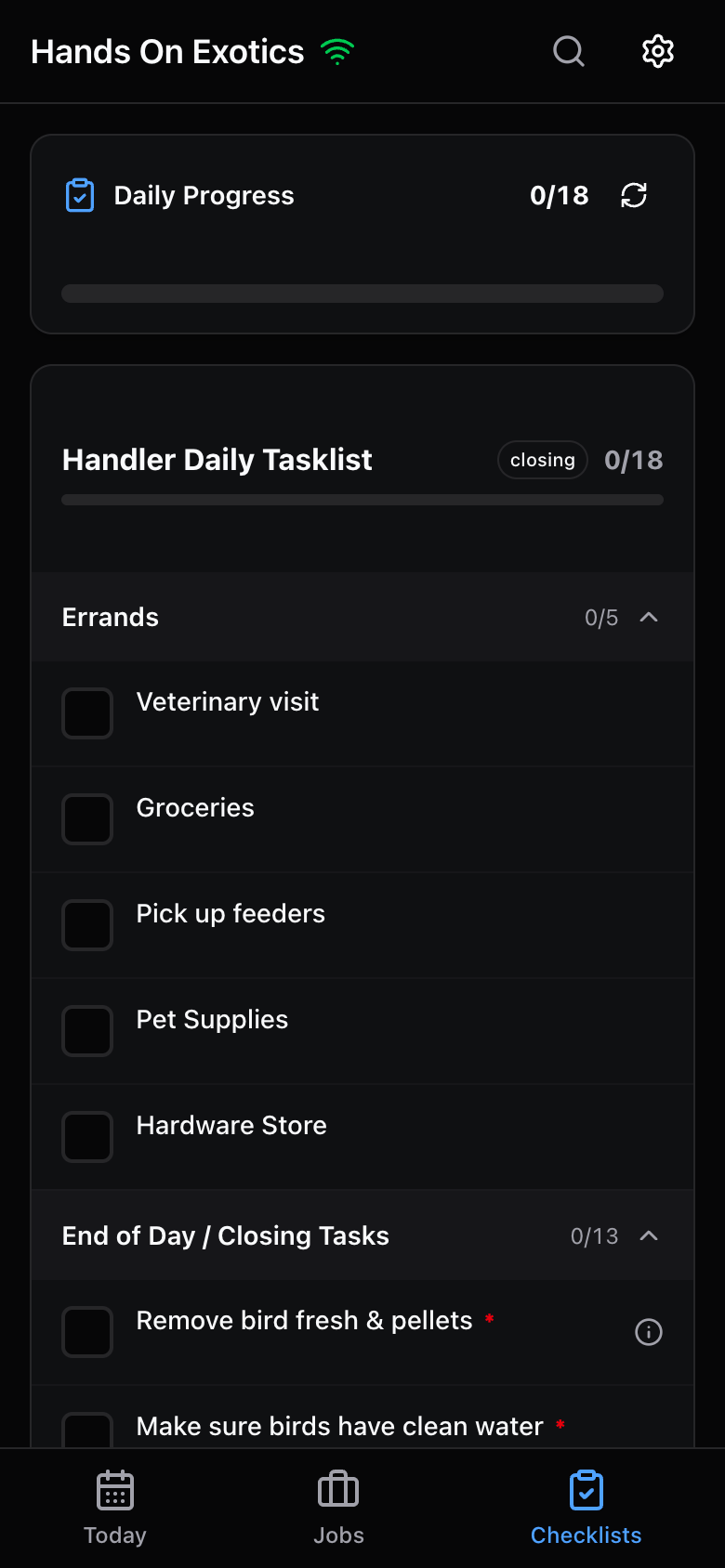
Yes. Customers, quotes, and their history come across from QuickBooks or your spreadsheets, so the system starts with everything you have. Hands On Exotics brought 13,000 past customers across from QuickBooks.
Does it work with QuickBooks?
Yes. Invoices, payments, and customers sync both ways, so your bookkeeper keeps working in QuickBooks.
What if you’re not around?
You own the code, the data, and the documentation, so another developer can pick it up. Or I keep it running, from $1,500 a month.